
Skip to content

GetOkuwaHost Car-Hosts Exchange Network With Riders In Few Steps

Car Rental for Rideshares by locals with flexibility of Insurance arrangement with Car-Hosts and alternative to traditional car rental.

Register/Explore
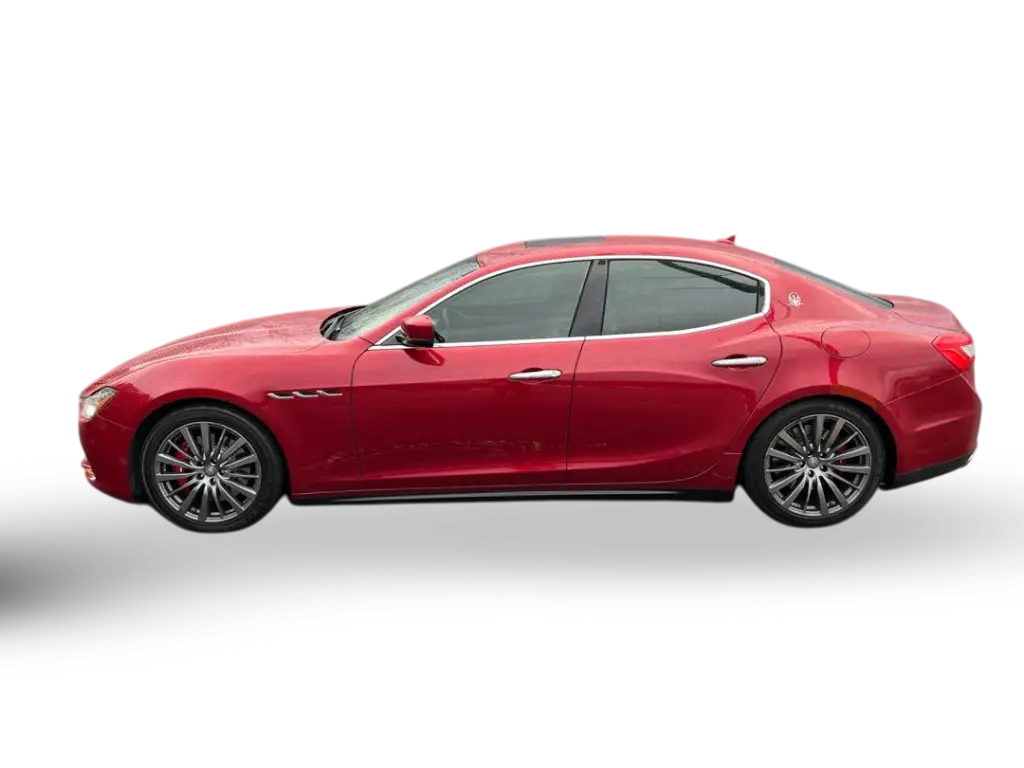

Red Maserati Ghibli

How Can I Rent A Car For Rideshare And Delivery Gigs?

Rideshare or delivery gigs GetOkuwaHost offers a seamless solution with inexpensive and flexible rental options tailored specifically for many rideshare and delivery gigs (Uber, DoorDash, Instacart, Amazon, etc.). With a variety of vehicles to choose from, you can easily find the perfect ride that meets your needs and budget. Enjoy the flexibility of engaging with the Car-Host for quick approvals and 24/7 customer support directly, ensuring you’re always ready to hit the road. With GetOkuwaHost, you won’t have to worry about long-term commitments or hassle-free rentals. Moreover, the Car-Hosts will directly offer insurance with every rental to protect their investments and yourself to connect to any gig you choose to work with.

Get Started
Car hosts and drivers meeting beside their vehicles

Types Of Cars You Can Rent With GetOkuwaHost

GetOkuwaHost allow fleet styles including Cars, Sport Cars, SUVs and much more to come. When you search for a car to book on the GetOkuwaHost website, you can filter from the categories. In our category filter, you can choose the type of vehicle you need: Coupe/Sedan? Convertible? SUV?

About Us

GetOkuwaHost founded by a proud Yoruba from Nigeria here in Georgia USA to assist others with their car needs and to make sharing cars simple through Car-Hosts listing on our site and transaction is handled by the Car-Host you book from directly. No waiting in line at a car rental facility, manually completing paperwork, or meeting anyone to collect or drop off car keys option by Car-Hosts.

Parent Company: OkuwaHost LLC

Subsidiary: OkuwaNic.com

Subsidiary: GetOkuwaHost.com

About me: Adekunle Okuwa
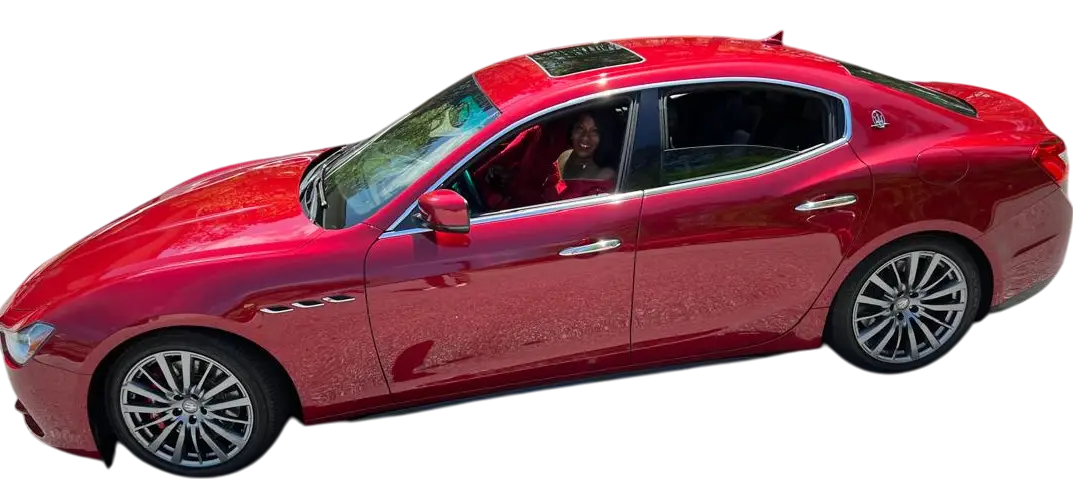
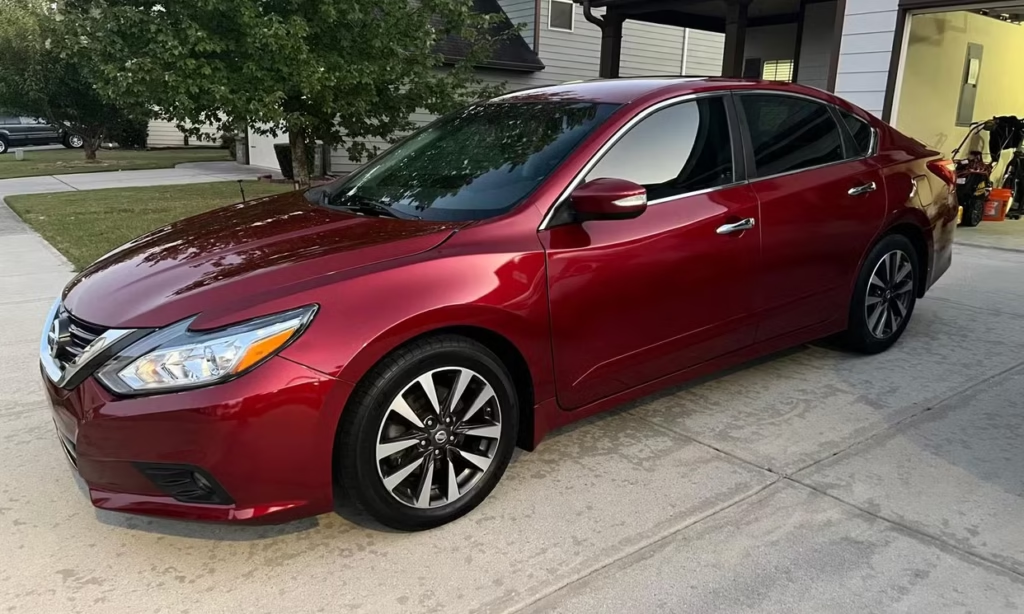
Red car available through GetOkuwaHost

Easy 4 Steps Online Booking

Booking a car online is a simple and convenient process. Here are four easy steps to follow:
  1. Step 1: Click “Register/Explore”, “Book Now”, or “Get Started” to see available options.
  2. Step 2: Select categories, tags and location, narrow nearby searches, or search by title.
  3. Step 3: Choose the car that best fits your needs and budget.
  4. Step 4: Click Booking and provide your expectations in Additional Information.

Well Comfortable Rental Cars

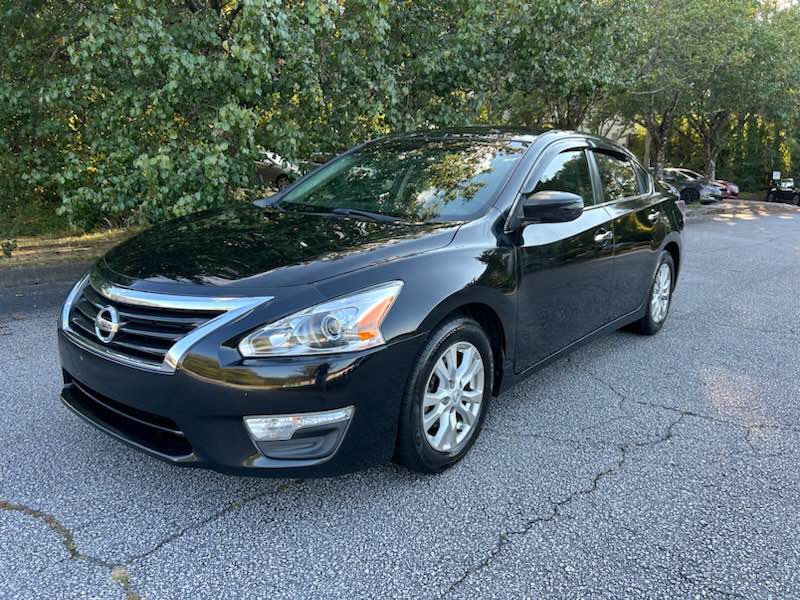
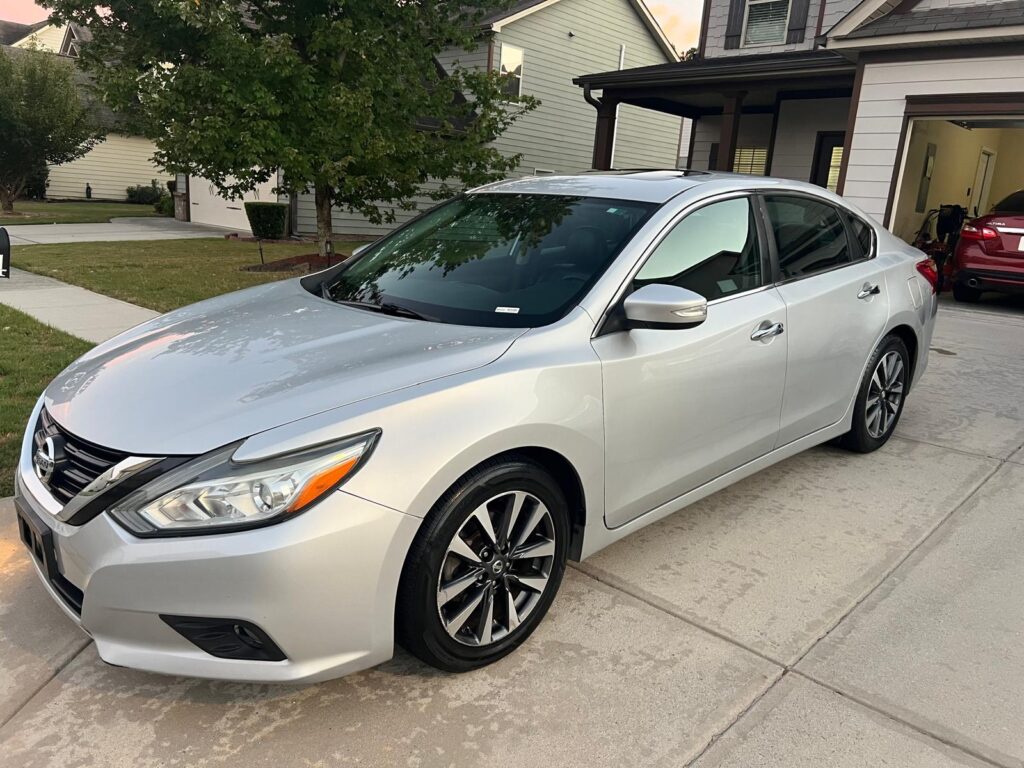
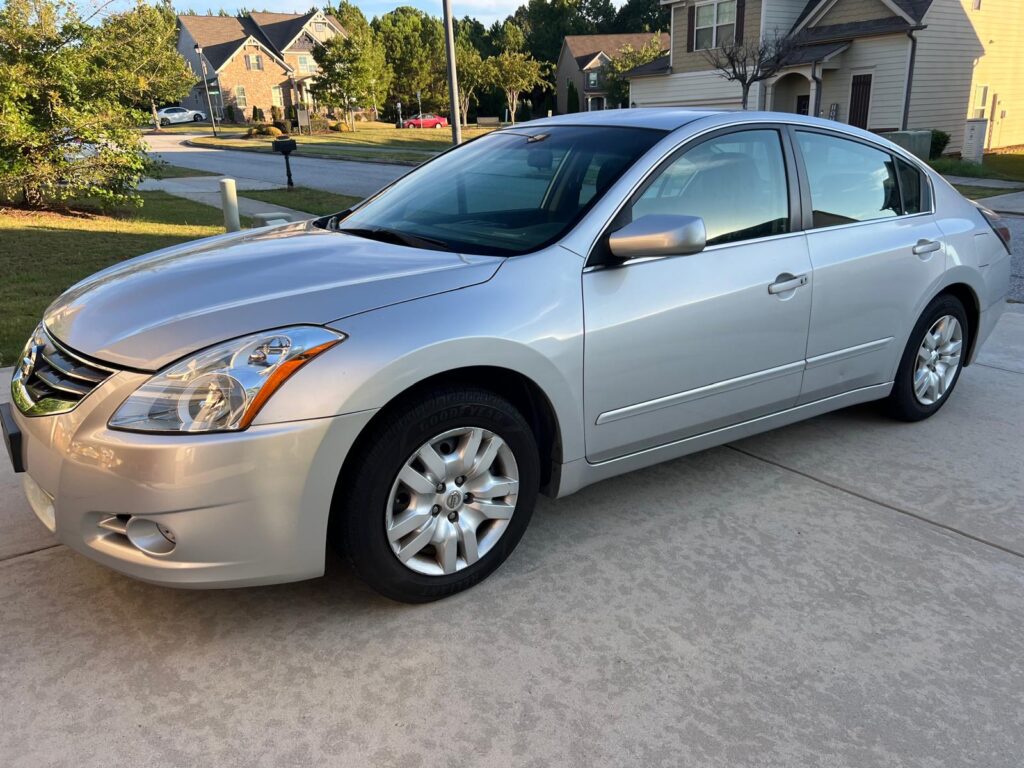
  • Economy Cars for Ride-share
  • Luxury Sport Cars for FLEX IT
  • SUV for Comfort

BEST ROAD CARS

A selection of rental cars